From notes to diagrams
Read Markdown with diagrams, formulas and tables. Keep PDFs, images, books and native document previews beside your notes.
Documents, code, images and data. One quiet workspace to read, explore and make small edits. Free and open source.
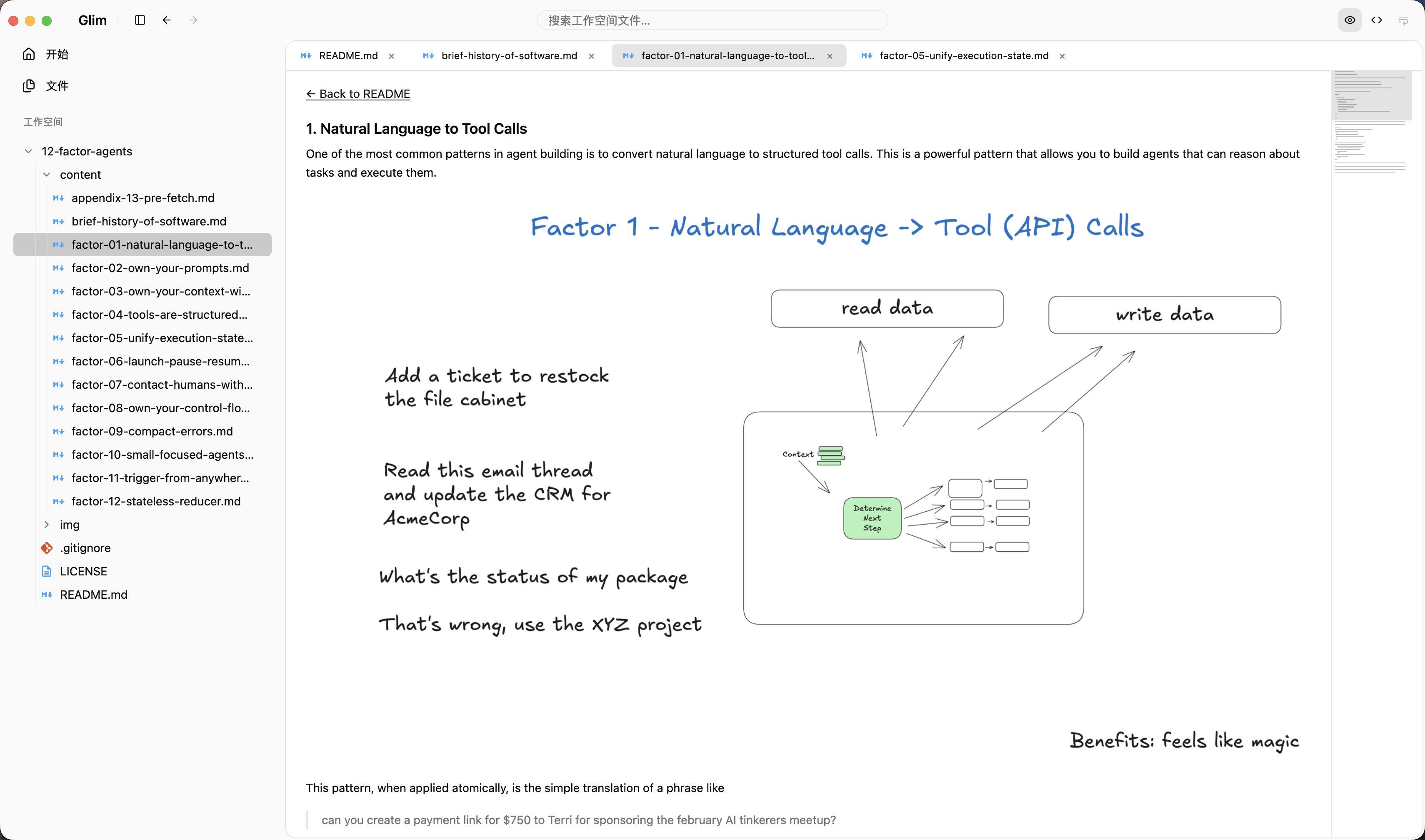
Read Markdown with diagrams, formulas and tables. Keep PDFs, images, books and native document previews beside your notes.
Explore JSON trees, CSV tables, read-only SQLite snapshots and model metadata. Switch to highlighted source when you need context.
Edit ordinary UTF-8 text with auto-save. Review Git diffs, stage or unstage changes, and commit only staged content with Command–Enter.
Signed in-app updates are available. Office layout and media support depend on macOS; some formats provide limited, read-only previews.
Full format support & limitations ↗Rust, GPUI, native Mac readers, and the trade-offs behind a workspace for many file formats.